eSIMbundle

Best eSIM for South Africa: land ready for Cape Town, the Garden Route and Kruger.

Fly into Cape Town CPT, Johannesburg OR Tambo, Durban KSIA, Port Elizabeth or Kruger Mpumalanga and step out of arrivals connected. Buy your bundle before departure, turn airplane mode off after touchdown, and Uber, Bolt, Google Maps and WhatsApp are ready before you find the taxi rank.

Plans from €3.99

VPN included at no extra cost

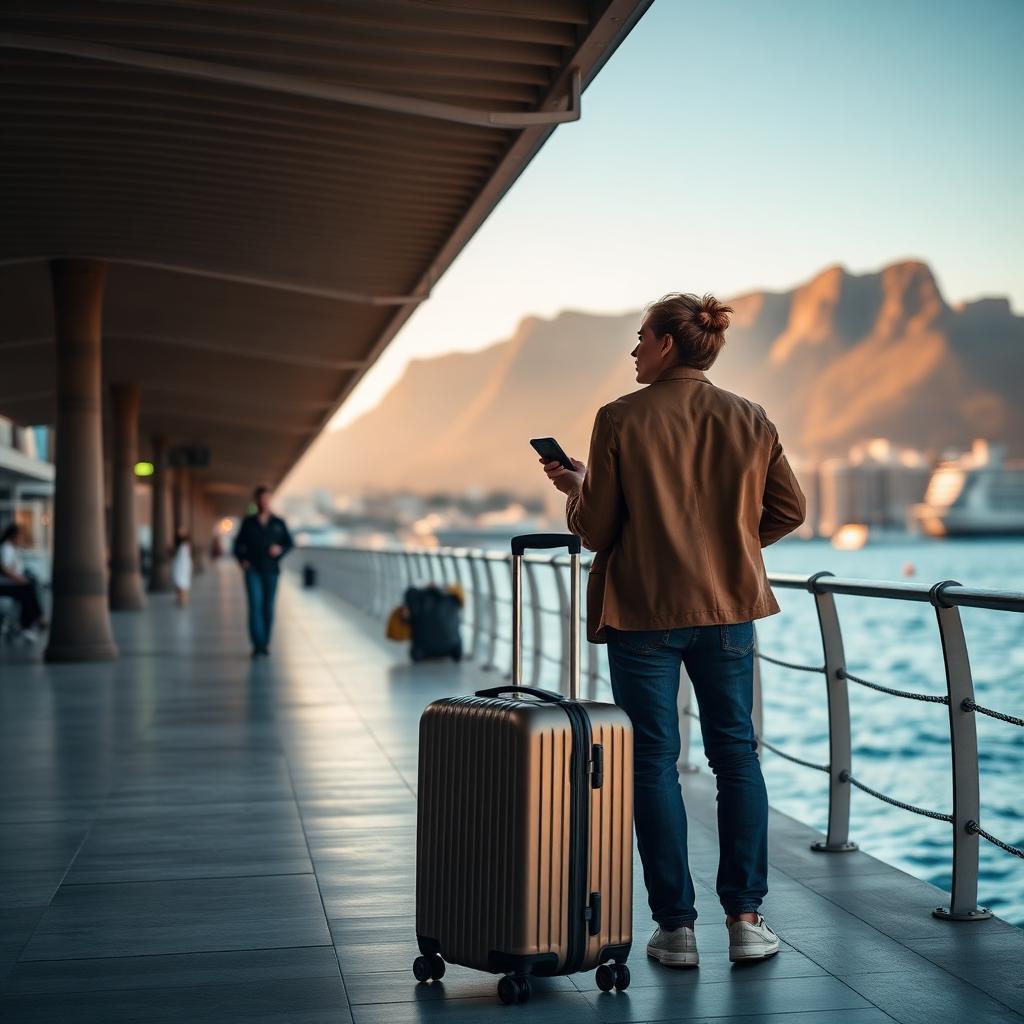
International traveller with a small carry-on suitcase on a Cape Town waterfront walkway at golden hour with Table Mountain softly out of focus, checking a smartphone.

Connected in South Africa

Mobile data
Active
Included VPN
Ready in app
Uber, Bolt & Maps
Ready

Quick answer

What is the best eSIM for South Africa?

eSIMbundle is a strong option if you want South African mobile data on the phone you already own — with no need to source a local SIM after landing. Choose a South Africa bundle before departure, land at Cape Town, OR Tambo or Durban, and use Google Maps, Uber, Bolt and WhatsApp straight away. A VPN is included with every plan for a more private connection on hotel and café Wi-Fi.

From landing to hotel

From arrivals to the Waterfront hotel, your phone is already working.

  1. 1

    Land

    Turn off airplane mode after touchdown and your eSIMbundle eSIM connects automatically to an available South African partner network.

  2. 2

    Order a ride

    Open Uber or Bolt and book a car from the airport curb, following live pickup instructions on Google Maps.

  3. 3

    Check in

    Confirm your V&A Waterfront, Sandton or Umhlanga hotel and message your host over WhatsApp on the ride in.

  4. 4

    Explore

    Book a Kruger safari drive, time a Table Mountain cable car slot and drive the Garden Route with music on the long stretches.

Apps you keep using:

Google MapsUberBoltWhatsAppBooking appsAirline app

Network reality

Strong in cities and the Garden Route, thinner in the Karoo and deep Kruger.

South African mobile networks generally deliver a comfortable everyday experience across Cape Town, Johannesburg, Durban, Pretoria and the main tourist regions.

Where it works best

Cape Town, Johannesburg, Durban, Pretoria, Stellenbosch and Garden Route towns generally provide comfortable service for Google Maps, Uber, Bolt, video calls, streaming and photo uploads, and 4G and 5G reach modern devices across most populated urban areas.

Where coverage can weaken

Karoo interior crossings, deep Kruger and other big-park interiors, remote Wild Coast stretches and long single-carriageway N-road sections between towns can thin signal out. Actual performance varies by partner network, device and exact location.

Where travellers go

Reliable across South Africa's main travel destinations.

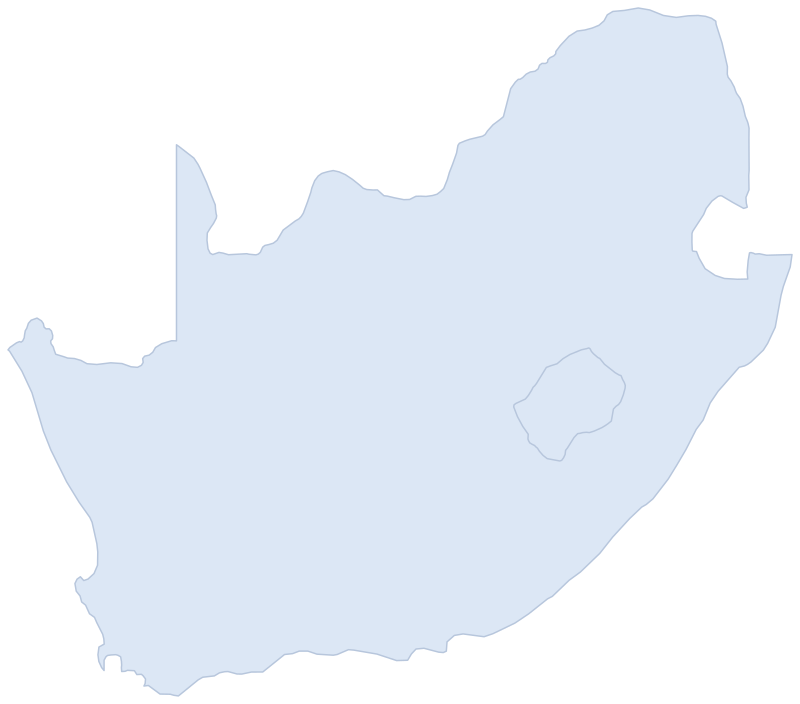
Outline map of South Africa with markers for major travel destinations.12345

Major destinations

  • Kruger· Park
  • Pretoria· Capital
  • Johannesburg· Gauteng
  • Durban· East coast
  • Cape Town· Western Cape

The five markers above are example destinations shown on this page — not evidence of nationwide service across a country the size of South Africa. Broader coverage extends across cities and the Garden Route; Karoo crossings, deep Kruger interiors and long empty N-road sections are the areas most likely to fluctuate.

Skip the SIM counter

Skip the South African SIM detour after landing

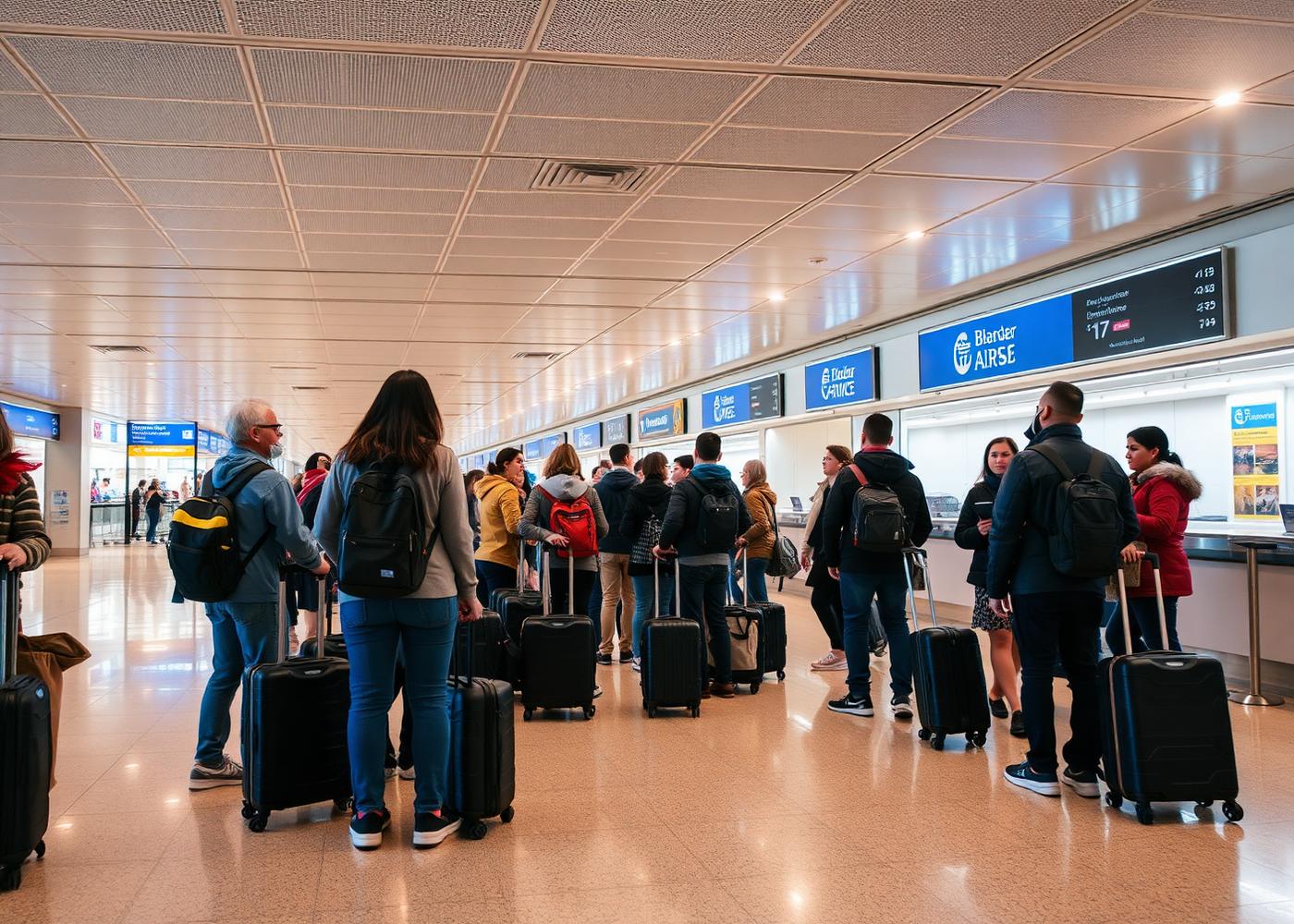
Travellers with rolling suitcases queuing at an airport arrivals counter.Buy a South African prepaid SIM after landing

Store detour, unfamiliar bundles, plastic

Picking up a South African prepaid SIM means an extra stop at a carrier store or airport kiosk after landing, comparing unfamiliar tourist bundles and swapping out your normal SIM so your usual number goes offline for the trip. When you fly home you throw the plastic away.

  • Extra stop at a carrier store or airport kiosk
  • Compare unfamiliar South African tourist bundles
  • Swap out your normal SIM to install it
  • Throw the plastic away when you leave
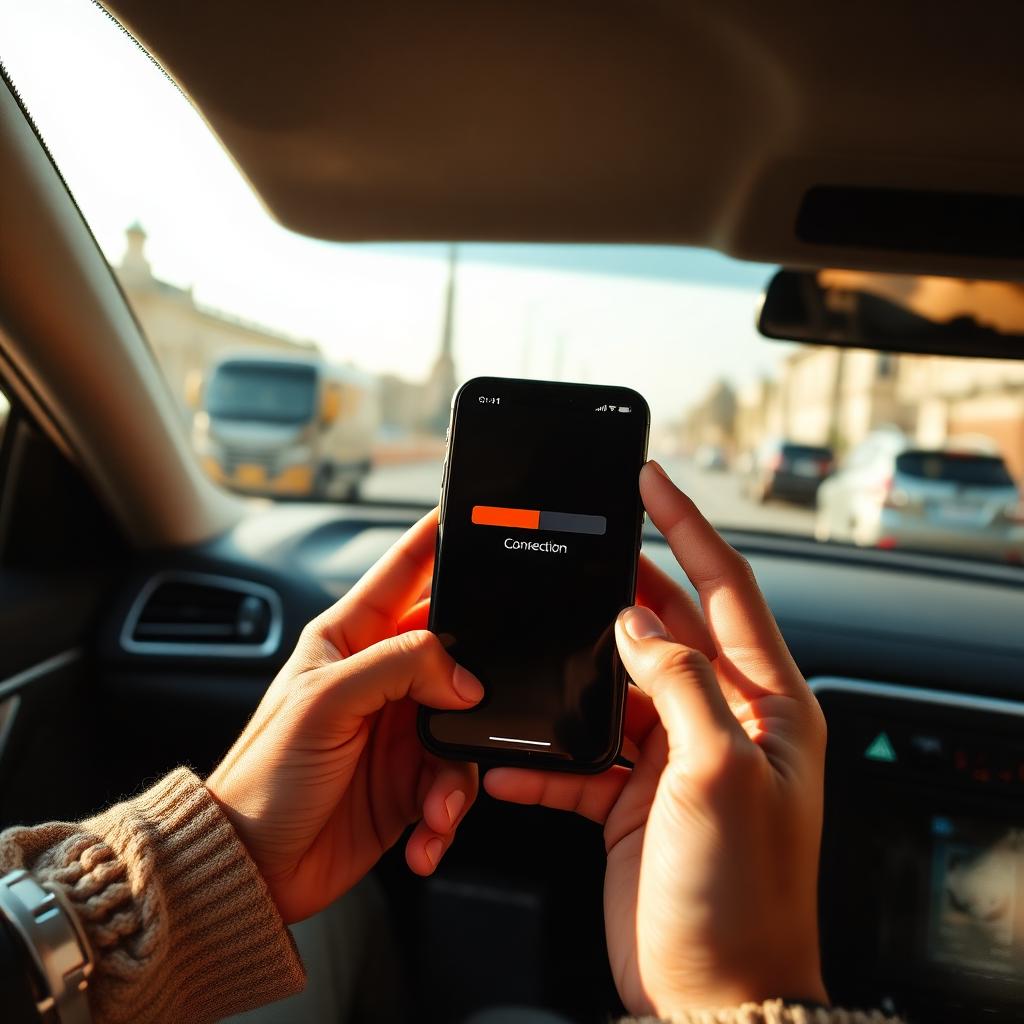
Traveller holding a smartphone showing a full signal bar and connection screen after landing.eSIMbundle

eSIMbundle account

South Africa data

Remaining2.1 GB
Add more data

Added to your existing eSIM.

Prepare before you fly

Choose your data bundle before departure and keep your normal SIM installed. After landing, enable the installed eSIM, select it for mobile data and enable Data Roaming on that line. A covered bundle starts on first supported use. Add data through Store in the eSIMbundle app; eligible finite packages also offer saved-card auto top-up.

  • Buy your data before departure
  • Keep your normal SIM installed
  • Connect after landing — no rental counter, no second device
  • Add more data online whenever you need it

No South African SIM to source after landing, no plastic to swap, no home-carrier roaming bill — just data on the phone you already own.

One eSIM. Global coverage.

One eSIMbundle eSIM for South Africa and every trip after

Install your eSIMbundle eSIM once. Add a South Africa data bundle now and bundles for other supported destinations whenever you travel next. They all work through the same eSIM already installed on your phone, so you do not need to install a new eSIM for every country.

More than mobile data

Mobile data gets you online.
eSIMbundle gives you your internet.

Traveller working from a warm modern hotel room at night with a laptop and smartphone beside a floor-to-ceiling window overlooking city lights.

Private connection active

VPN
Included
Apps & websites
Work like home

Every plan includes a VPN at no extra cost. Turn it on in the app for a more private connection on South African mobile data, hotel Wi-Fi, café networks and airport Wi-Fi — so banking, streaming and the apps you already use at home behave the way you expect while you travel.

eSIMbundle vs. other travel eSIMs

How an South Africa eSIMbundle compares with other popular travel eSIM providers.

eSIMbundle
Saily
+Holafly
Ubigi
Mobile data in South Africa
One eSIM for supported destinations
Refunds
Security features
VPN included
Private and unrestricted internet
Internet security for phone, tablet and laptop

*This data was taken from competitors' official English-language sites and product comparison reports. Features and availability may change. For additional info, contact [email protected].

** eSIMbundle® is unaffiliated with the goods or services to which it is being compared.

Sizing your plan

Not sure how much data you need in South Africa?

Tell the Travel Data Calculator how long you are travelling and how you expect to use your phone. It will estimate your usage and help you choose an available South Africa plan.

Calculate my travel data

Answers

Frequently asked questions.

What is the best eSIM for South Africa?

For travellers who want South African mobile data on the phone they already own, eSIMbundle is a strong option. Buy a South Africa bundle before departure, land at Cape Town, OR Tambo or Durban, and use Google Maps, Uber, Bolt and WhatsApp straight away. A VPN is included with every plan.

Which mobile network does eSIMbundle use in South Africa?

In South Africa, eSIMbundle connects to Cell C, MTN, Telkom and Vodacom. Your eSIM switches automatically to the fastest available network for the best coverage and speed, so you never need to choose a carrier. 4G is supported on Cell C, MTN and Vodacom, and 5G is supported on MTN and Vodacom.

Does eSIMbundle have good coverage across South Africa?

Coverage is generally comfortable across Cape Town, Johannesburg, Durban, Pretoria, Stellenbosch and Garden Route towns. Signal can weaken on Karoo interior crossings, in deep Kruger and other big-park interiors, on remote Wild Coast stretches and on long single-carriageway N-road sections between towns.

Is 5G available with a South Africa eSIM, and how fast is it?

4G is broadly available across populated South Africa and 5G is generally strong across the major city centres. Whether your phone connects on 4G or 5G in a specific spot depends on your device, the available partner network and live local conditions.

How much data do I need for 7, 15 or 30 days in South Africa?

Light users on Maps and messaging often manage on 1–3 GB a week. Normal travellers using Uber, Bolt, streaming and hotel bookings usually want 5–10 GB a week. Heavy video or hotspot users on a Garden Route road trip can push past 20 GB a week. Use the Travel Data Calculator to size a South Africa plan for your trip.

Does a South Africa eSIM include a local phone number, calls or SMS?

eSIMbundle South Africa plans are data plans. Use mobile data for WhatsApp, FaceTime and other internet-based calling and messaging. Keep your normal SIM active for calls, SMS and verification messages, subject to your home carrier's roaming charges and support.

Can I keep my normal SIM, phone number and WhatsApp?

Yes. On a compatible dual-SIM phone, keep your normal SIM installed and use your eSIMbundle eSIM for mobile data. Your normal phone number stays with your home SIM, and WhatsApp continues using the number already registered to your account.

Can I add more data while I am in South Africa?

Yes. In the eSIMbundle app, open Store or Add data and buy a separate bundle on the same installed profile. Each bundle has its own allowance and validity and may wait before first use. Eligible finite bundles offer saved-card auto top-up at 80% used, up to your approved package price. Manage it under Account → Auto top-up; check existing replacement orders before buying again.

Should I buy my South Africa eSIM before travelling?

Yes. Open the eSIMbundle app → Account → My eSIM → Set up your eSIM and use Install eSIM on this phone, or QR/manual fallback. Confirm the profile appears in phone settings. Installation does not start the bundle; first supported use in coverage does. At your destination, enable the line, select it for data and enable its Data Roaming setting. Keep the profile after the trip.

Does eSIMbundle include a VPN in South Africa?

Yes. Use VPN inside the eSIMbundle app with your normal account. VPN connection requires an active qualifying bundle, including on Wi-Fi. Prepare the app before departure; a bundle awaiting first use may not yet provide access. Choose a country and connect. VPN does not guarantee access to every service.

Does the eSIM work in Kruger and the Karoo?

In gateway towns and along main highways coverage is generally comfortable. In deep Kruger interior camps, in remote Karoo crossings and along the Wild Coast, coverage from any South African carrier — including your eSIM partner network — can thin out. Offline maps are useful for those side trips.

Can I use the same eSIM on my next trip elsewhere?

Yes. Your eSIMbundle eSIM stays installed on your phone. When you travel to another supported destination, add a bundle for it in your account and it activates on the same eSIM — no new installation required.
Ready to go

Get your South Africa eSIM before you fly

Arrive ready to book an Uber to the Waterfront, drive the Garden Route and time a Kruger safari — with no local SIM to source and no home-carrier roaming bill. Choose the data you need, top up online whenever you need more, and get a VPN with every plan.

Choose my South Africa planPlans from €3.99 · VPN included at no extra cost